Top 10 Free Keyword Research Tools for New Bloggers in 2026 (100% Free)
30 Dec 2025 • 12 Min Read
Are you a new blogger struggling to get traffic to your website? Do you look at the monthly pricing of tools like Ahrefs ($99/month) or Semrush ($129/month) and feel discouraged?
You are not alone. In 2026, the cost of blogging tools has skyrocketed, making it difficult for beginners to compete. But here is the secret that pro bloggers won’t tell you: You do not need to pay for keyword research.
Traffic doesn't come from expensive tools; it comes from finding the right keywords—phrases that real people search for but big websites ignore. These are called low competition keywords, and they are the golden ticket to ranking on Page 1 of Google.
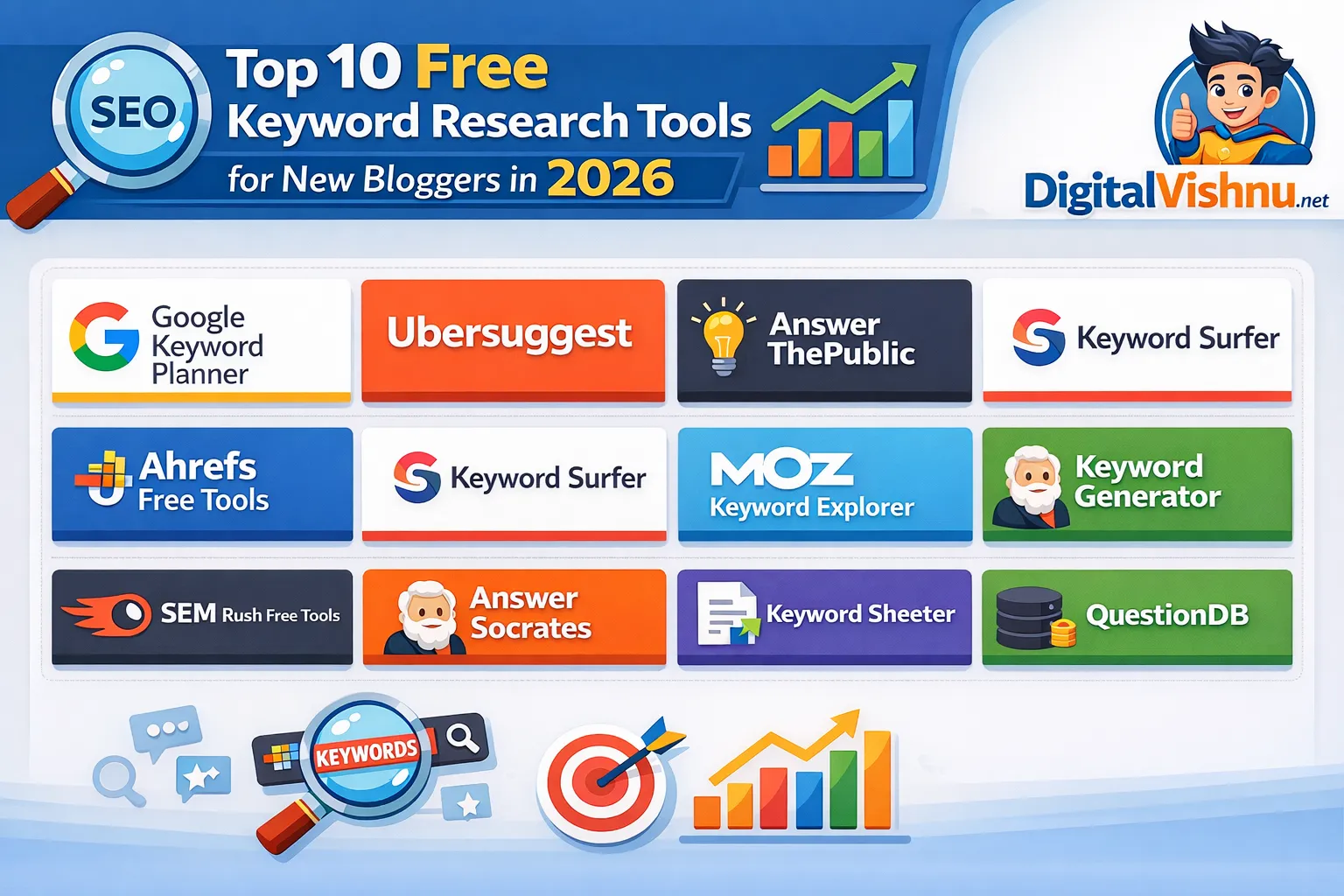
In this ultimate guide, we will reveal the Top 10 Free Keyword Research Tools for New Bloggers in 2026. These tools will help you find unlimited content ideas, check search volume, and spy on competitors without spending a single penny.
And the best part? We are starting with a "Hidden Gem" tool that is revolutionizing how new bloggers find high-traffic keywords.
1. Digital Vishnu Free Keyword Generator (Best Recommendation)
If you are looking for a tool that combines the accuracy of premium software with the simplicity of a free tool, look no further. Digital Vishnu Free Keyword Generator is quickly becoming the go-to choice for smart bloggers in 2026.
Unlike other "free" tools that hide data behind a paywall or limit you to 3 searches a day, Digital Vishnu is built to help you win.
Why It Is The #1 Choice for 2026:
Real-Time Search Volume: Most free tools give you vague ranges (like 1k-10k). Digital Vishnu provides precise data directly from search engine databases.
High CPC Data: For bloggers who want to make money with AdSense, this tool shows the Cost Per Click (CPC). This tells you exactly which keywords will earn you the most revenue before you even write the article.
Long-Tail Keyword Focus: The algorithm is specifically tuned to find "long-tail keywords" (phrases with 4+ words). These are easier to rank for, especially for new blogs with low domain authority.
Unlimited Potential: There are no frustrating daily limits that stop your workflow.
How to Use It to Rank #1:
Go to the Digital Vishnu Free Keyword Generator.
Enter a broad topic (e.g., "digital marketing").
The tool will generate a list of highly specific queries like "digital marketing tools for small business free".
Pro Tip: Look for keywords with a decent search volume (500+) but high CPC. These are your "money keywords."
Verdict: If you only use one tool from this list, make it this one. It’s the closest alternative to paid tools like Ubersuggest or Ahrefs, but completely free.
2. Google Keyword Planner (The Industry Standard)
No list of keyword tools is complete without the grandfather of them all: Google Keyword Planner (GKP). This tool is built by Google for advertisers, but savvy bloggers use it for SEO.
Features:
Direct from Google: The data comes straight from the source, so you know it is legitimate.
Forecasting: It predicts how a keyword might perform in the future, which is great for catching trends before they peak.
Bid Estimates: It shows "Top of page bid," which helps you understand the commercial intent of a keyword.
The "Free" Catch:
While GKP is powerful, it has a major flaw for free users. If you are not running active ad campaigns, Google often hides exact search volumes, showing ranges like "10k–100k" instead. This huge range makes it hard to predict actual traffic.
How to Fix This: Use Google Keyword Planner to find broad ideas, then copy-paste those keywords into the Digital Vishnu Free Keyword Generator to get the exact search volume data. This combination is a lethal strategy for 2026.
3. AnswerThePublic (For Content Ideas)
Have you ever wondered exactly what questions people are typing into Google? AnswerThePublic visualizes search data in a way no other tool does.
How It Works:
When you type a keyword (e.g., "Protein Powder"), it generates a visual map of questions starting with:
Who...
What...
Where...
Why...
How...
Why Bloggers Love It:
Google’s latest algorithm updates prioritize "Helpful Content." By answering specific questions found on AnswerThePublic (e.g., "Can I take protein powder without working out?"), you increase your chances of appearing in the "People Also Ask" section of Google search results.
Limitation: The free version is heavily restricted to just a few searches per day. Use it wisely to brainstorm blog post titles.
4. Keyword Surfer (Chrome Extension)
Imagine seeing keyword data while you browse Google. That is exactly what Keyword Surfer does. It is a free Chrome extension that sits in your browser and works automatically.
Key Features:
Search Volume in SERPs: Whenever you search for something on Google, Keyword Surfer shows the monthly search volume right in the search bar.
Related Keywords: On the right side of the Google results page, it generates a list of similar keywords and their volumes.
Word Count Data: It shows you how long the ranking articles are. If the #1 result has 2,000 words, you know you need to write 2,500 words to beat them.
Best For: Quick research. You don’t need to open a separate dashboard; just Google your topic and get instant data.
5. Ubersuggest (Free Version)
Neil Patel’s Ubersuggest is famous for a reason. It offers a very clean, beginner-friendly interface that makes SEO look easy.
What You Get for Free:
Keyword Overview: Volume, SEO difficulty (SD), and Paid difficulty (PD).
Content Ideas: It shows you blog posts that have already performed well for that keyword, along with their social shares.
Domain Overview: You can type in a competitor's URL and see what keywords they are ranking for.
The Downside: The free version is very limited (usually 3 searches/day). However, the data quality is excellent. It is perfect for a quick check before finalizing your blog topic.
6. QuestionDB (Reddit & Quora Goldmine)
Most keyword tools pull data from Google Planner. QuestionDB is different. It pulls data from massive forum discussions on Reddit and Quora.
Why This Matters in 2026:
People talk differently on forums than they do on search engines. They ask more conversational, specific, and "human" questions. Since Google is now prioritizing "natural language" and "experience-based" content, keywords found on QuestionDB are often ultra-low competition.
Example:
Google Planner: "Best laptop"
QuestionDB: "Is the MacBook Air M2 good for coding python scripts?"
Writing an article on the specific QuestionDB topic is much easier to rank for than the broad generic term.
7. Soovle (The Multi-Platform Searcher)
Do you want to know what people are searching for on Amazon, YouTube, Bing, and Yahoo, all at the same time? Soovle is your answer.
Features:
Soovle provides a customizable engine where you type a keyword, and it auto-generates suggestions from major platforms simultaneously.
For Affiliate Marketers: Check Amazon keywords to find products people want to buy.
For YouTubers: Check YouTube keywords to repurpose your blog content into videos.
It is a simple, text-based tool, but it is incredibly fast and completely free.
8. Keyword Sheeter (Bulk Generator)
Sometimes, you don't need analysis; you just need volume. Keyword Sheeter (formerly Keyword Shitter) pulls thousands of Google Autocomplete suggestions in seconds.
How to Use It:
Enter a seed keyword.
Click "Sheet Keywords."
Watch as the tool generates 1,000+ keyword variations in real-time.
Use Case: This is perfect for creating Topic Clusters. You can take these 1,000 keywords, group them into categories, and plan your content calendar for the next 6 months. Note: It does not show search volume for free, so you will need to export this list and run it through the Digital Vishnu Free Keyword Generator to filter out the duds.
9. WordStream Free Keyword Tool
Originally built for PPC (Pay-Per-Click) advertisers, WordStream offers a powerful free keyword tool that is surprisingly good for SEO.
Why It’s Unique:
It allows you to filter keywords by Industry. This is huge. A keyword like "Virus" means something very different in the Healthcare industry compared to the Computer Software industry. WordStream helps you filter irrelevant results, saving you time.
It also gives you a "Competition Score," helping you avoid keywords that are too difficult for new blogs to target.
10. ChatGPT (The AI Brainstormer)
While not a traditional keyword tool, ChatGPT has changed the game in 2026. You cannot get search volumes from it, but it is the world's best brainstorming partner.
The "Seed & Check" Strategy:
Ask ChatGPT: "Give me 20 unique blog post ideas about 'Vegan Dog Food' for a new blog."
Get the List: ChatGPT will give you creative angles like "Is a vegan diet safe for senior dogs?"
Validate: Take these ideas and plug them into Digital Vishnu Free Keyword Generator.
This combines AI creativity with hard data, ensuring you write content that is both interesting and searchable.
Strategy: How to Find "Money Keywords" in 3 Simple Steps
Having the tools is one thing; knowing how to use them is another. Here is a proven strategy to rank your new blog in 2026 without spending money.
Step 1: The "Seed" Discovery
Start with a broad idea. Use AnswerThePublic or ChatGPT to generate 10-20 specific questions or topics related to your niche.
Example: Instead of just "Shoes," you find "Best running shoes for flat feet."
Step 2: Volume & Intent Check
Take those 20 topics and paste them into the Digital Vishnu Free Keyword Generator. Look for keywords that meet this criteria:
Search Volume: 200 – 5,000 (Not too high, not too low).
CPC: Greater than $0.50 (This ensures the traffic is valuable).
Intent: Informational (How-to, Guide) or Commercial (Best, Review).
Step 3: Competitor Spy
Before writing, type your chosen keyword into Google. Look at the top 3 results.
Are they from big sites like Forbes or Wikipedia? Skip it.
Are they from forums like Reddit or small blogs? Attack it! This means Google is starving for good content on this topic.
Why "Digital Vishnu" is Better Than Paid Alternatives?
You might be asking, "Why should I trust a free tool?"
The SEO industry has tricked people into thinking that expensive = better. But tools like Ahrefs and Semrush are expensive because they offer enterprise features like backlink auditing, site health checks, and historical data going back 10 years.
As a new blogger, you do not need that.
You need three things:
What are people searching for?
How many people are searching?
How hard is it to rank?
Digital Vishnu Free Keyword Generator focuses 100% on these three metrics. It strips away the complex charts and confusing data, leaving you with exactly what you need to write ranking content. It is a tool built by a blogger, for bloggers.
Conclusion
In 2026, you have zero excuses for not doing proper keyword research. The barrier to entry has been removed. You don't need a credit card, and you don't need a corporate budget.
By using a combination of these top 10 tools, you can build a content strategy that rivals big agencies. Start with broad ideas from AnswerThePublic, filter them through Digital Vishnu for accurate data, and analyze your competition with Keyword Surfer.
Your Action Plan for Today:
Bookmark this page so you don't lose this list.
Enter your niche topic.
Download your first list of 50 keywords.
Start writing!
Traffic is waiting for you. Go get it.
Frequently Asked Questions (FAQs)
Q1: What is the best free keyword research tool for beginners? A: For beginners, the Digital Vishnu Free Keyword Generator is the best choice because it offers unlimited searches and shows high CPC data, which helps you earn more money from AdSense.
Q2: Can I trust free keyword research tools? A: Yes! Many free tools pull data from the same sources as paid tools (Google's database). The main difference is that paid tools offer more advanced analytics, which beginners often don't need.
Q3: How do I find low competition keywords for free? A: Use long-tail keywords (phrases with 4+ words). Tools like QuestionDB and Digital Vishnu are excellent at finding these specific, low-competition phrases.
Q4: Is Google Keyword Planner free? A: Yes, it is 100% free, but you need to create a Google Ads account. You do not need to run an ad campaign to use the planner.
Q5: How many keywords should I target in one blog post? A: Focus on one primary keyword and include 3-5 related "LSI keywords" (secondary keywords) naturally within your content.

Comments
0